


Smart home installation service demand is skyrocketing as more homeowners seek seamless control and automation. Managing the complexity of multiple devices, setup protocols, and privacy concerns is not as easy as many expect. The right service makes all the difference—if you know what to look for, what could go wrong, and how to get the best value for your home environment.
Key Takeaways
- Smart home installation is booming in the U.S. but comes with privacy, cost, and compatibility concerns.
- The best services offer strong device compatibility, clear post-installation support, and reliable warranty details.
- Evaluating qualifications and understanding the latest protocol (Matter) adoption help you avoid common pitfalls.
- What Is Smart Home Installation and Why Now?
- How to Get the Most Out of Your Smart Home Installation Service
- Advanced Analysis & Common Pitfalls in Smart Home Setups
- Conclusion
- Frequently Asked Questions
What Is Smart Home Installation and Why Now?
Smart home installation involves connecting internet-enabled devices throughout your home so you can monitor and control lights, thermostats, cameras, locks, speakers), and what you most want automated.
Costs for professional smart home installation average $1,173 nationwide in the U.S., but this can vary by location and system complexity [2]. The price should include configuring each device, explaining the system to you, and basic troubleshooting support. If you’re quoted extra for Matter protocol setup, ask what that includes—many pros now bundle it as part of their standard offering. Want more ways to make your home stand out? Check out our tips on transforming outdoor spaces too.
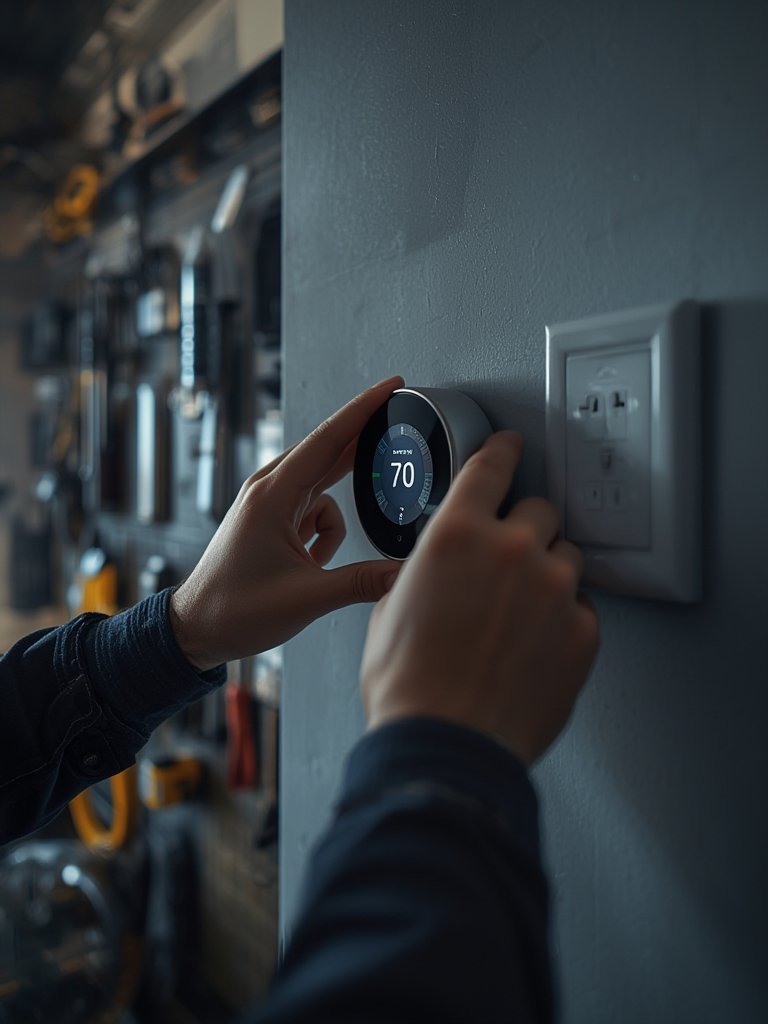
Keep paperwork for warranties and any upgrade information provided by your installer. Even big-box options like Lowe’s offer smart home consultations that can help you understand available packages—see our guide to Lowe’s home improvement experience for more.
Advanced Analysis & Common Pitfalls in Smart Home Setups
Even with expert help, smart home installations often hit a few common snags:
- Device Compatibility Problems: New protocols like Matter aim to standardize communication, but many brands only partially support it. For example, your thermostat might be Matter-certified, but your door lock may not connect reliably—creating a source of frustration even after professional installation.
- Data Privacy Risks: According to a 2024 survey, 57% of Americans worry about how their automation data is stored and shared—especially with cameras, mics, and smart speakers. Installers must be explicit about privacy features and what’s enabled by default.
- Post-Installation Support Blind Spots: Top smart home installation services sometimes lack structured follow-up. Many do not offer “tune-ups” or check-ins unless you pay extra. This is a major pain point when firmware updates break device connections or new devices are added later.
- No Standardized Certification for Installers: Unlike electricians, smart home installers don’t have widely recognized certifications in the U.S. Some may offer proof of insurance or manufacturer-specific training, but it’s rarely standardized.
- Connectivity and Network Issues: Poor Wi-Fi coverage or congestion causes smart home dropouts that even pros can’t always prevent unless they assess your network thoroughly (mesh systems are often recommended, but not all installers provide them).
| Issue | DIY Setup | Professional Install |
|---|---|---|
| Device Compatibility | High risk; manual troubleshooting required | Medium risk; best if installer checks all devices for Matter or proprietary compatibility |
| Privacy/Security Config | Often setup to defaults; owners may overlook vulnerabilities | Can be customized for maximum safety—if you request it |
| Warranty/Support | No coverage unless purchased separately | May include basic support, but extended service varies |
| Future Upgrades | May require full reset or additional help | Easy if installer documents system well |
While the industry matures, evaluate local providers with tough questions: Do they have insurance? What’s covered under warranty? Can they provide references for successful Matter-standard setups? Don’t settle for less—mistakes here could affect your home’s safety and resale value. You might also like our guide on finding landscaping contractors capable of equally seamless transformations outdoors.

Conclusion
Smart home technology delivers real value—but only if installed correctly, securely, and with your privacy in mind. High-quality smart home installation service is more than plugging in a few gadgets; it’s about making everything work together safely and simply for years to come. As adoption grows, the biggest wins come from clear communication and well-documented setups. Ready to enjoy a smarter, safer home? Contact a trusted local smart home installer—and don’t forget to prepare your questions ahead of time.
Frequently Asked Questions
How much should I expect to pay for a smart home installation service?
Expect to pay around $1,173 for a typical U.S. installation. Costs vary based on system complexity, home size, number of devices, and whether new protocols (like Matter) are included. Always request a detailed quote and ask about future upgrade costs.
Does every installer support Matter and device interoperability?
No. While adoption is rising, not all installers have the latest training or support for Matter standard devices. Ask up front and get written confirmation that they can integrate your preferred brands into a seamless system.
How do I make sure my installation is private and secure?
Request a privacy walk-through with your installer. Make sure every device’s access, storage, microphone, and camera settings are customized to your privacy comfort level before the job ends. Update your device passwords and enable two-factor authentication where possible.
Is there a certification or insurance requirement for smart home installers?
No industry-wide certification exists in the U.S. yet. However, reputable providers should have liability insurance and may offer manufacturer-specific credentials. Always ask to see relevant documents before work starts.
What happens after installation—do I get ongoing support?
This varies widely. Some pros include a set period of support, while others charge extra. Clarify if support, troubleshooting, or annual checkups are offered in your package before agreeing to the installation.
