


Smart home installation service is rapidly becoming essential for homeowners looking to future-proof their properties and enhance daily convenience. Most households now realize that setting up devices themselves can quickly become overwhelming, making professional help a smart investment.
Key Takeaways
- Smart home installation service demand is surging due to configuration complexity and device ecosystem challenges.
- Professional services help users bypass common setup headaches, optimize home networks, and ensure device integration.
- Costs vary, but most U.S. households pay around $1,173 for comprehensive smart home installations.
The Core Concept
Smart home installation service refers to the professional setup, configuration, and integration of interconnected devices in your home. This includes security systems, thermostats, smart lights, cameras, locks, and voice assistants—all controlled from a single interface or mobile app. As the number and complexity of devices grow, a specialist ensures optimal performance, security, and convenience.
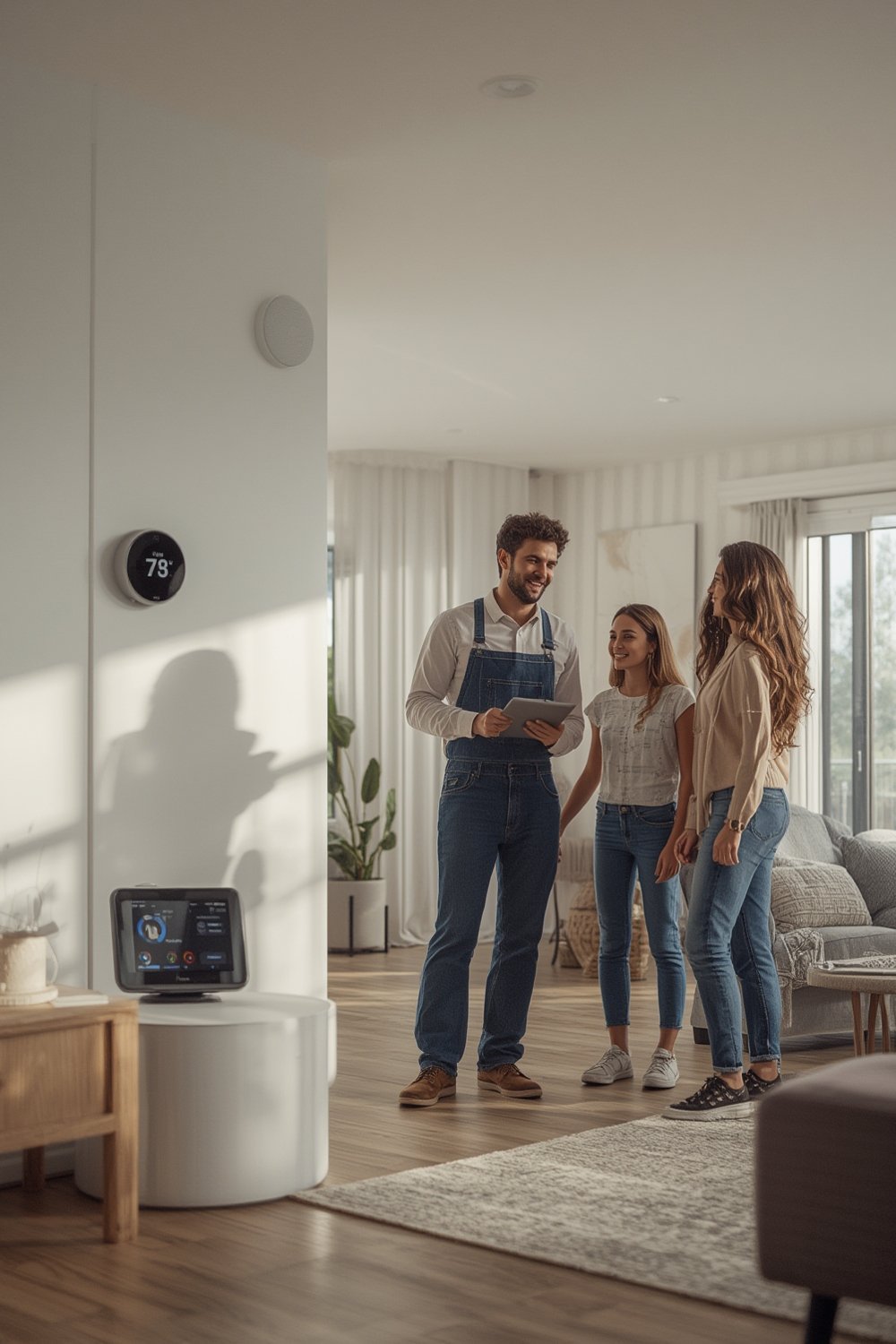
Global adoption is accelerating: In 2024 the smart home market is valued at $154.4 billion with over 411 million smart homes worldwide and household penetration projected to jump from 17.4% to 31.4% by 2028. In the United States, more than 69.9 million homes are equipped with smart devices, and this figure is expected to hit 103 million by 2028 (source).
As user expectations increase and systems become more sophisticated, more homeowners are turning to installation professionals. The main reasons: ensuring all devices work together seamlessly, customized configuration, enhanced security, and ongoing tech support. Network optimization, device communication stability, and customizing automation are all areas where expert help pays off—especially as systems now often include dozens of components.
Is it worth it? Considering the average U.S. installation cost of $1,173 (source), the investment can help you avoid costly mistakes, endless troubleshooting, and security vulnerabilities.
For broader guidance on enhancing your home experience, you might read about everything you need to know about home improvement stores.
Step-by-Step Guide
Getting a smart home system running smoothly doesn’t have to be intimidating. Here’s a detailed process that professionals follow—and how you can approach it yourself if you’re ready for a hands-on project:
- Assessment and Planning
A professional starts with a walkthrough of your home. They’ll identify optimal locations for major devices, review your Wi-Fi or network strength, and ask about your automation priorities. It’s important to clarify if you want specific scenes (like “morning routine” or “away mode”). Gather all device documentation and warranty information ahead of the assessment to streamline this process. - Network Upgrade and Segmentation
Modern smart homes run best on robust, well-segmented Wi-Fi. Installers will often recommend mesh networking, setting up a primary network for large devices (security cameras, smart TVs), and a separate VLAN for guests or IoT appliances. Advanced installers provide network traffic prioritization, reducing latency and ensuring security. - Device Selection and Pre-Configuration
Select devices with proven reliability and broad interoperability. Avoid mixing too many brands/protocols unless you have advanced integration tools (like Home Assistant or SmartThings). Pre-configure everything on a bench before wall or ceiling mounting to spot issues early. - Installation and Mounting
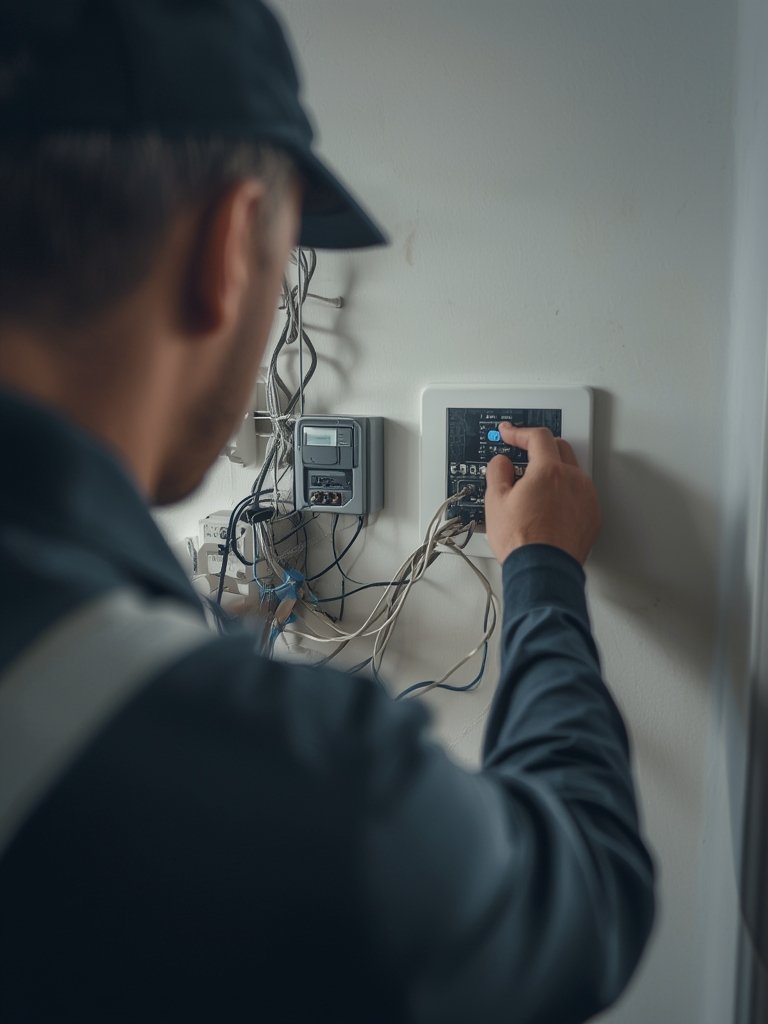
Technicians will mount sensors, cameras, thermostats, locks, and hubs as needed. They secure all hardware per manufacturer guidelines—correct placement is key for sensors and wireless range. All firmware must be updated before proceeding. - Integration and Automation
Next, devices are paired to your central app or hub. Custom automations, such as geofencing, schedules, and voice commands, are programmed. Installers test each script or trigger to ensure reliability—especially critical for security systems. - Testing and Handover
Each component is tested individually and as part of integrated scenes. Finally, you receive a walkthrough of your automated routines and guidance on ongoing maintenance, troubleshooting, and software updates. Reputable services often offer aftercare support or remote troubleshooting packages.
If you want actionable inspiration for transforming your outdoors too, check out finding expert landscaping services for outdoor space enhancement or discover how professional landscape services can transform your property.
Advanced Analysis & Common Pitfalls
Even with expert help, certain issues can crop up. Here’s a realistic look at the biggest problems homeowners face and a side-by-side view of DIY versus professional installation—so you can decide what’s best for you.
| Pitfall | DIY Installation | Professional Service |
|---|---|---|
| Wi-Fi dead zones / Range problems | Common (devices drop offline) | Addressed with mesh/network tuning |
| Device compatibility issues | Frequent (especially across brands) | Reduced (installer vets ecosystem up front) |
| Complex automation programming | Often confusing | Handled for you, with custom scripts |
| Security/Privacy risks | Missed settings, risky defaults | Installer applies best practices |
| Ongoing maintenance | User must update, reset, and reconfigure | Can include aftercare/remote support |
Other common pitfalls and challenges:
- Price surprises: Real installation costs average $1,173 in the U.S., but can climb if hidden wiring, high-end hubs, or multi-zone speaker setups are needed (source).
- Integration headaches: The more brands or protocols you combine, the higher the risk that “it just works” becomes “it just doesn’t.” Security systems are most commonly used as a first install because they need to coordinate multiple device types.
- No standards for pros: There’s currently no universal certification for smart home installers, which makes diligence in choosing a trustworthy service even more important (source).
- Changing tech: Frequent app updates and device end-of-life policies can mean periodic reinstallation or reconfiguration is necessary.
For more tips on maximizing your property, see finding the best local landscape services for a full transformation.
Conclusion
Smart homes are no longer just for technology enthusiasts—they’re a mainstream feature, making smart home installation service a high-demand market. The true value of professional installation is revealed in seamless integrations, robust security, and the ability to grow your home’s technology with confidence. As complexity rises and device compatibility varies, expert help prevents headaches and expensive mistakes. Don’t let configuration hurdles slow you down. Invest in a smart home installation service to future-proof your property and maximize your comfort. Ready to get started? Contact a trusted installer near you today.
FAQ Section
How much does smart home installation service typically cost?
On average in the U.S., homeowners spend around $1,173 for a complete smart home installation. Costs can rise with additional devices, advanced automation setups, or custom network requirements.
What are the most common devices included in a professional installation?
Most installations cover smart thermostats, security cameras, sensors, smart locks, lighting, voice-controlled hubs (like Alexa or Google Home), and, increasingly, energy monitors and leak detectors.
Can I integrate devices from different brands?
It’s possible but can be tricky. Keeping most devices within a single ecosystem (Apple, Google, Amazon) is easiest. Mixing brands may require advanced integration solutions, which is where professional help pays off.
Are there standards or certifications for smart home installers?
Currently, there are no universal certifications for smart home installers. It’s important to choose reputable providers with proven track records and strong customer reviews.
Do professional installations include aftercare or maintenance?
Many reputable installers offer ongoing support, firmware updates, remote troubleshooting, and discounted service for future upgrades. Be sure to discuss aftercare before hiring a provider.

[…] The right professional installation can prevent headaches with wiring, app setup, device placement, and minimize false alarms. For more on broader home automation services, see our smart home installation guide. […]
[…] Choose integrated smart controls. For maximum comfort and savings, opt for smart thermostats or zone controls that are compatible with your automation platform. See this guide if you’re also investing in smart home installation services. […]