


Matter smart home devices are transforming how we connect, automate, and secure our homes by offering one universal standard that works seamlessly with Apple, Google, Amazon, and more. But is the promise of true interoperability as easy as it sounds—or are there hidden challenges when upgrading or building a Matter-ready household?
Key Takeaways
- Matter smart home devices are rapidly expanding, with the market projected to reach $67.9 billion by 2033 and over 5.5 billion devices shipping globally by 2030.
- Adoption is driven by demand for universal compatibility, but real-world user data on integration challenges and upgrade costs remains limited.
- Practical steps, common pitfalls, and actionable tips can help you navigate a smarter, more resilient home setup as the ecosystem matures.
- What Are Matter Smart Home Devices (and Why Should You Care)?
- How to Upgrade or Start with Matter Smart Home Devices: Step-by-Step
- Advanced Analysis & Common Pitfalls When Using Matter Smart Home Devices
- Conclusion
- Frequently Asked Questions
What Are Matter Smart Home Devices (and Why Should You Care)?
Matter is the global, open-source standard for smart home devices. Instead of being locked into the Apple, Google, or Amazon ecosystem, Matter-certified devices can be controlled by any major platform or voice assistant. This means you can mix and match brands—from smart bulbs and thermostats to door locks and switches—without worrying about technical dead ends or futureproofing headaches.

Adoption is skyrocketing. The Matter smart home market was valued at $13.2 billion in 2024 and could hit $67.9 billion within a decade [DataIntelo]. Over 5.5 billion Matter-compatible devices are expected to ship globally by 2030 [SwiftBeacon]. Secure, seamless, and energy efficient control—across lighting, climate, access, and security—are major reasons millions of U.S. and international households are making the switch [MarketIntelo].
Still, while the vision is compelling, it’s important to know what’s actually working (and not) before upgrading or retrofitting your smart home with Matter technology.
How to Upgrade or Start with Matter Smart Home Devices: Step-by-Step
-
Audit Your Current Smart Home Devices
Start by listing your existing devices. Note which brands, models, and platforms you use (Apple HomeKit, Google Home, Amazon Alexa, etc.). This audit helps you find which devices already support Matter and spot those that will need replacing or updating.
-
Check Compatibility and Firmware Requirements
Visit the manufacturer’s site or use official platform apps to confirm which devices support Matter now, which will gain support via updates, and which will never be compatible. Manufacturers are gradually providing firmware updates for popular gadgets. If a device is not set for an upgrade, plan for its eventual phase-out.
-
Select a Universal Hub (if Needed)
Some Matter devices can connect directly via Wi-Fi or Thread, but others require a hub. Many modern smart speakers and displays (Apple HomePod, Google Nest Hub, Amazon Echo) already double as Matter controllers—saving you from extra purchases.
-
Add and Configure Your Matter Devices
Unbox and power up your Matter-enabled devices. Use the Matter QR code or setup instructions in your platform app. Link devices to your preferred ecosystem, customize automations, and test basic functions before expanding further.
-
Create Automations and Scenes
Now use dashboard controls to build routines (e.g., “arrive home” triggers lights, temperature, and door unlock). Experiment with cross-brand automations—Matter is designed for these, but always double-check reliability before going all-in.
-
Troubleshoot and Optimize
If devices drop offline or scenes don’t work, check for app updates, firmware rollouts, and robust local network coverage. Make sure you’re not stretching the underlying network (Wi-Fi, Thread) past its realistic limits.
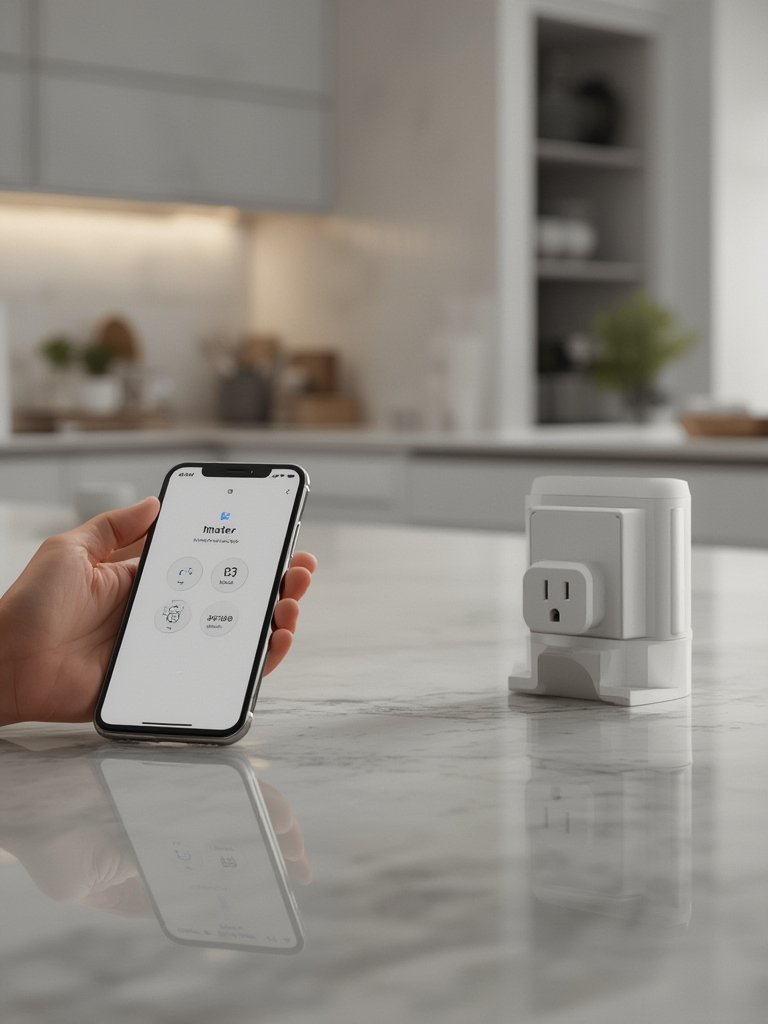
Struggling with setup, device selection, or professional installation? See our detailed guide to smart home installation services to get expert help for even complex homes.
For upgrades beyond the interior—such as outdoor kitchen installation, check our kitchen installation guide for seamless expansion of your smart living outdoors.
Advanced Analysis & Common Pitfalls When Using Matter Smart Home Devices
While Matter promises a hassle-free, universal setup, users should remain realistic. Industry reports highlight surging adoption and impressive market growth, but publicly available user feedback on cross-platform challenges is still limited due to Matter’s relative newness.
| Potential Pitfall | Impact | Practical Advice |
|---|---|---|
| Limited legacy device support | Some older devices won’t get Matter updates or work natively | Plan for phased upgrades and clearly check manufacturer’s update policies |
| Unclear certification status | No transparency on certification process or timelines can cause upgrade delays | Buy only from reputable brands and retailers who guarantee Matter certification |
| Automation complexity | Advanced scenes or routines across brands sometimes fail or behave unpredictably | Test new automations individually and maintain fallback routines for key tasks |
| Unknown upgrade costs | There’s little published on the precise costs, accessories, or hidden fees needed to upgrade large setups | Request detailed quotes from installers and double-check for hub, bridge, or subscription add-ons |
| Missing advanced features | Some proprietary features from brand-specific ecosystems may not be available in Matter yet | If advanced capabilities matter (e.g., video analytics, energy integration), keep certain devices on legacy platforms until Matter evolves |
Also, documentation on Matter’s technical requirements and certification process is scarce. Stay updated via manufacturer sites and reputable technology publications as standards evolve. If in doubt, consult a professional smart home installer.

Outdoor environments and integrated renovation projects often present extra challenges for device compatibility. For holistic property upgrades, review our resources on outdoor enhancement with expert landscaping and weatherproofing outdoor spaces.
Conclusion
Matter smart home devices promise a truly universal platform with spectacular adoption, especially in residential settings for lighting, security, and energy savings. However, unpredictability in upgrade costs, legacy support, and the gradual release of advanced features mean the transition will take time and ongoing attention. Start simple, choose devices and brands committed to Matter, and keep your network robust for best results.
Ready to future-proof your space with matter smart home devices? Audit your current setup, prioritize compatibility, and embrace the potential of one connected home. For hands-on help or advanced guidance—including professional installation—explore our in-depth smart home installation guide.
Frequently Asked Questions
What is the main advantage of Matter smart home devices?
The top benefit is true interoperability. Matter devices work across Apple, Google, Amazon, and other leading ecosystems without complex bridges or brand loyalty. You gain flexibility and avoid futureproofing regrets.
Can existing smart devices be updated to Matter?
Some existing devices will gain Matter support via firmware updates if the manufacturer chooses, but many older models are unlikely to be updated. Check with your brand for specifics before investing in new gear.
Is a hub required for all Matter smart home devices?
No. Many Matter devices connect directly over Wi-Fi or Thread. However, a hub or controller—often built into smart speakers or displays—may be needed for Thread-based devices or more complex setups.
Are there any ongoing costs for using Matter devices?
Matter itself is free, but upgrading may involve new hardware, hubs, or installation fees. There are rarely recurring subscriptions for core functionality, though some advanced features or cloud integrations may have costs.
How secure are Matter smart home devices?
Matter uses robust encryption, local control, and established security best practices. Choose reputable brands that commit to regular software and security updates for best results.
