


Smart security system installation is no longer just for tech enthusiasts—millions of U.S. households rely on it for peace of mind, flexible access, and protection. But what actually goes into a successful installation? Let’s cut through the noise and break down the facts, risks, and actionable steps you need to get it right.
Key Takeaways
- U.S. smart home security adoption is booming, with over 28% of households using smart security devices as of 2024.
- Privacy concerns, hacking risks, and integration headaches are major challenges after installation, especially with wireless cameras.
- Smart security system installation success depends on planning, technical know-how, and smart decisions about integration and support.
- What Is a Smart Security System Installation and Why Does It Matter?
- Smart Security System Installation: Step-by-Step Guide
- Advanced Analysis & Common Pitfalls
- Conclusion
- Frequently Asked Questions
What Is a Smart Security System Installation and Why Does It Matter?
Smart security system installation is connecting advanced digital devices like cameras, video doorbells, smart locks, and alarm systems to monitor and secure your home. This can transform your daily routines, let you monitor your home from anywhere, and help prevent both break-ins and package theft. In 2024, the U.S. smart home security market hit $10.37 billion, with security and access control making up over a quarter of the market [Grand View Research]. Uptake is growing—42% of households have smart surveillance, 38% have video doorbells, and 35% have alarm systems [Strategic Market Research].
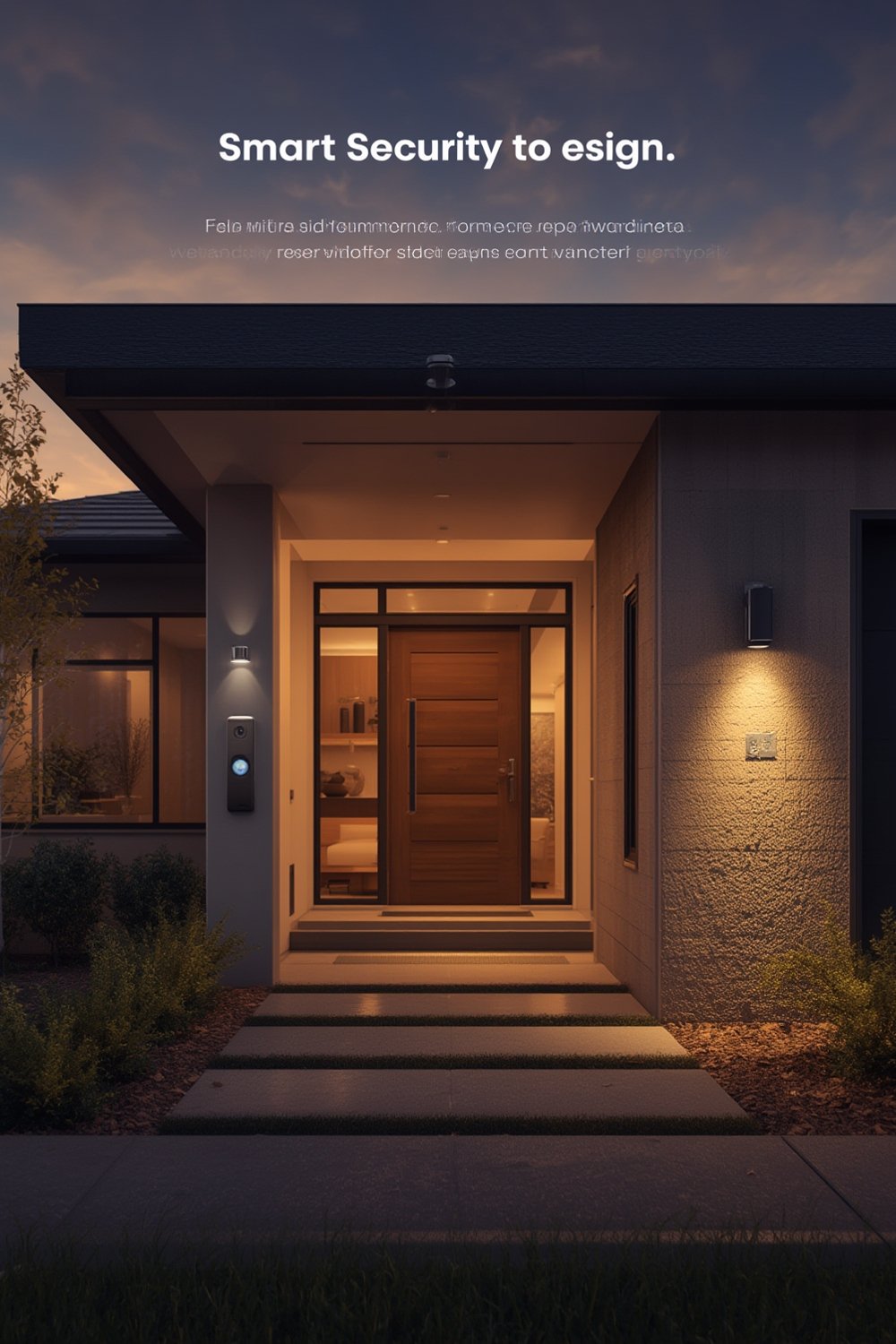
Why invest in a smart security system installation? Modern systems let you:
- View live or recorded security footage from your smartphone.
- Get instant alerts about suspicious activity.
- Remotely control locks and alarms, even grant temporary access to visitors.
- Integrate with smart home automation for lighting, climate, and more.
The right professional installation can prevent headaches with wiring, app setup, device placement, and minimize false alarms. For more on broader home automation services, see our smart home installation guide.
Smart Security System Installation: Step-by-Step Guide
Here’s how to get a reliable, easy-to-use smart security system installed and running:
- Assess your security needs and layout. Survey vulnerable entry points: doors, windows, garages, backyard. Decide where cameras, alarms, and motion sensors make sense. For landscape features that may affect sight lines or mounting options, check our guide to outdoor space enhancement.
- Pick the right devices. Choose reputable brands compatible with your WiFi and smartphone platform (Android, iOS). Check for interoperability, especially if using different brands or planning smart home expansion. Devices certified with the Matter protocol can help reduce future integration headaches—see our Matter smart home devices guide for best picks.
- Inspect WiFi signal strength at every installation point. Weak connections cause lag, outages, or missed footage. Use your phone to spot dead zones. You may need to upgrade your router or add mesh WiFi extenders.
- Prepare the site. For exterior cameras or video doorbells, double-check local permit requirements and weatherproofing. Map cable routes and test device position before permanent mounting.
- Hire a professional installer, if desired. Pros handle tricky wiring, ensure optimal placement, and sync all devices. On average, installation ranges from $200-$650 for common packages, and cost is the most-cited barrier—but expert work cuts risk of costly mistakes.
- Set up accounts, update firmware, and test every feature carefully.
- Configure notification and privacy settings in the app. Turn on two-factor authentication for logins. Only share access with those you trust.
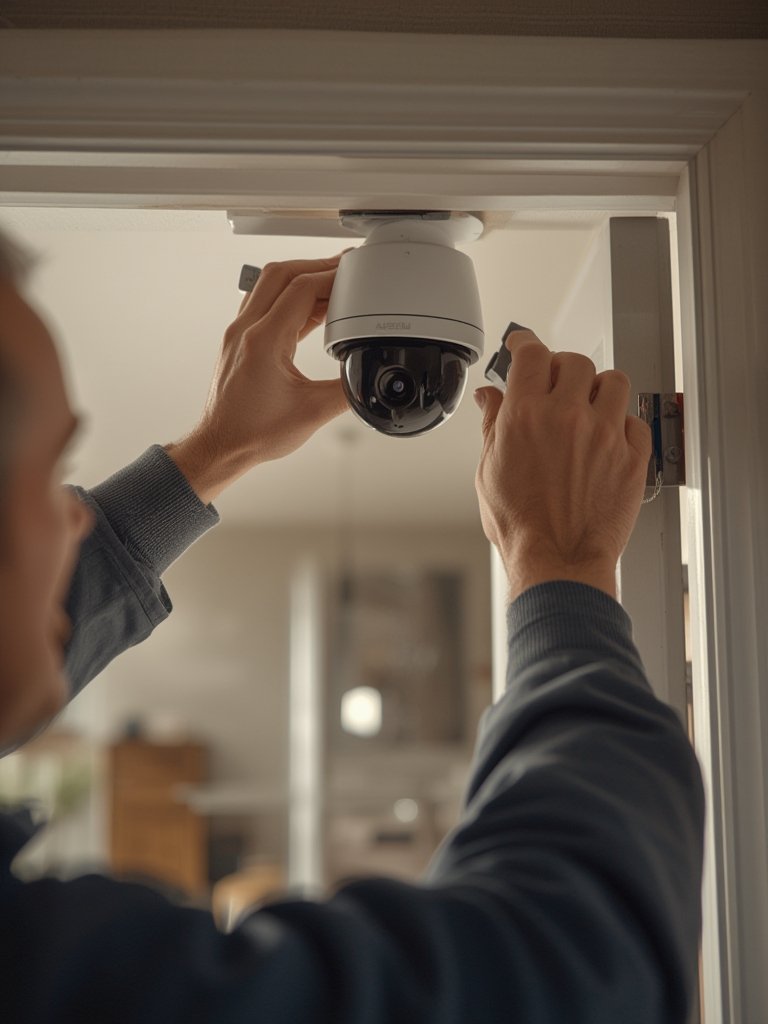
If you skip professional help, factor in extra time for troubleshooting—especially with multi-device installs like full home surveillance systems. Use clear cable labeling and snap photos of wiring before closing up walls. For hard-to-reach exteriors or gated yards, coordinate in advance with a trusted landscaping contractor to avoid disrupted wiring underground.
Testing checklist: Before finishing, verify every door and window sensor, review recorded clips, and practice your alarm’s emergency mode. Ensure you get push notifications instantly on all household phones.
Advanced Analysis & Common Pitfalls
Even professional smart security system installation can run into problems, both up front and down the road. Most users report:
- Privacy and hacking concerns—57% of users worry about data, 46% about hacking, 33% about unauthorized video feeds [AHS Survey].
- Setup and implementation headaches—configuration, app integration, or unreliable wireless connections can frustrate even after pro install.
- Ongoing support gaps—lack of prompt help for app issues, software bugs, or device replacement can undermine long-term satisfaction.
- False alarms or missed detection from poorly positioned sensors and cameras.
- Cost overruns—average revenue per U.S. installation is $479.70, but true totals vary and add up with extra cameras, cloud storage, or accessories [ElectroIQ Statistics].
| Issue | DIY Install | Professional Install |
|---|---|---|
| Setup Time | 4-12 hours (multiple retries) | 2-4 hours (faster, tested) |
| Reliability | Varies; may miss technical details | Higher, with certified hardware & install |
| App Integration | Inconsistent, especially mixing brands | Often more seamless, pro-tuned |
| Support Quality | User forums, DIY repair | On-call troubleshooting |
| Insurance Discounts | Limited with DIY | Better with certified pro |
Some systems, especially early DIY models, have notorious compatibility issues if you want to expand with new devices later. Before hiring, verify WiFi strength, research the platform’s reputation for app stability, and confirm data privacy policies. For households wary of privacy, note that 65% are unwilling to use systems that collect personal data [ElectroIQ Statistics].
Do a walkthrough after install, and if possible, ask your installer how to reset and manually override every component. Keeping a digital backup of setup guides and app passwords is a must. See how home improvement stores like Lowe’s are helping consumers with security system and smart lock options in-store.
Conclusion
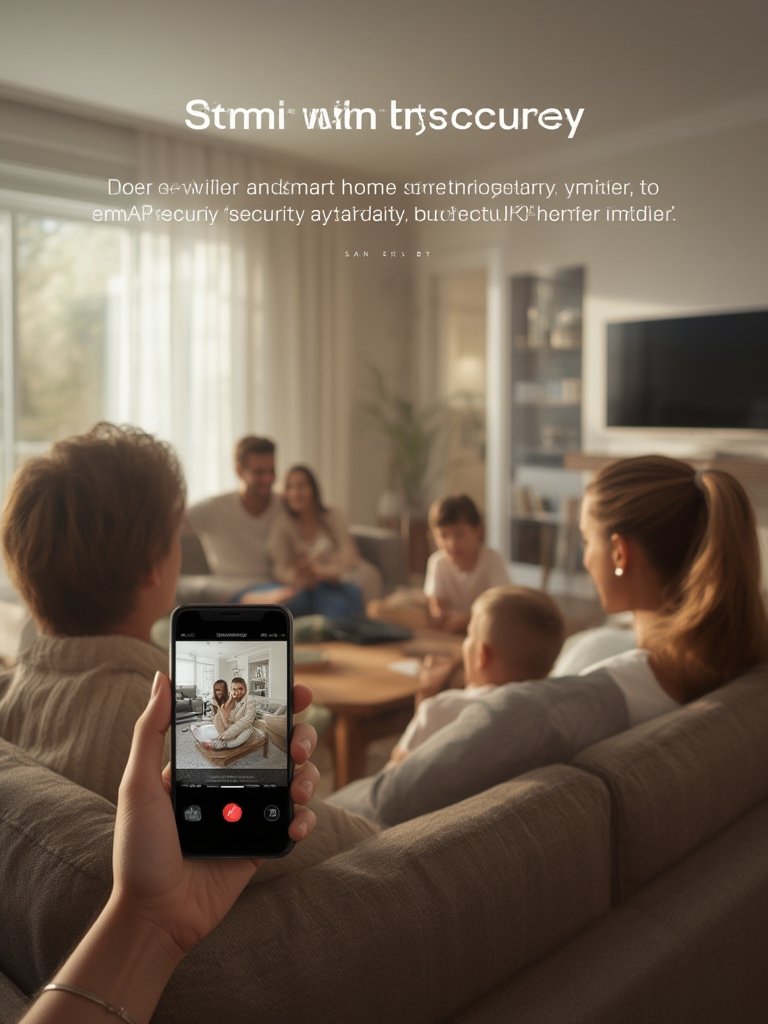
With millions of U.S. homes adding systems every year, a strong smart security system installation can raise property value, boost safety, and provide daily convenience. But it comes with risks—poor WiFi, bad integration, and security gaps drag down satisfaction. Start smart: assess your property, invest in reputable brands, and weigh the benefits of professional installation. For full-home upgrades that integrate with yard redesigns or other automation features, browse our smart thermostat installation guide for ecosystem tips. Take control—plan your next smart security system installation with confidence, and protect what matters most.
Want more guidance or a quote for your unique layout? Contact a vetted smart home installer today and make your home smarter—and safer—this year.
Frequently Asked Questions
How much does a smart security system installation cost in 2024?
Average U.S. smart home installation revenue stands at $479.70, but professional security system installs often run between $200 and $650 depending on device count, complexity, and accessories. Choose an installer who will quote upfront and advise on future expandability.
Are professional smart security system installations safer than DIY?
Generally yes—pros offer certified setups, optimal device placement, and help with app and network integration. Some insurance companies also provide discounts for professionally installed, certified security systems.
Can a smart security system affect my privacy?
Yes. 57% of users report privacy as a top concern. Choose systems with robust encryption, clear privacy policies, and strong app authentication. Only grant video access to trusted users and regularly update passwords.
What should I check before hiring someone to install a wireless security camera or smart lock?
Test WiFi strength throughout your home, check device compatibility with your phone and smart home setup, and look for installers experienced with your chosen brands. Consider Matter-certified devices for easier future integration.
Can smart security devices be integrated with other home features?
Yes. Smart security systems often connect with door locks, lighting, thermostats, and more. For smooth integration, use compatible platforms and consult both your security installer and any landscape or smart home professional you’re working with.
